
USB C hub with HDMI port expansion dock adapter cable for laptop and mobile phone, 7-in-1 multifunction splitter with USB 3.0 ports, SD card reader, and 15cm cable length in compact portable design


USB C hub with HDMI port expansion dock adapter cable for laptop and mobile phone, 7-in-1 multifunction splitter with USB 3.0 ports, SD card reader, and 15cm cable length in compact portable design
Description
7-in-1 USB C Expansion Dock with HDMI Port and 15cm Cable for Laptop Connectivity
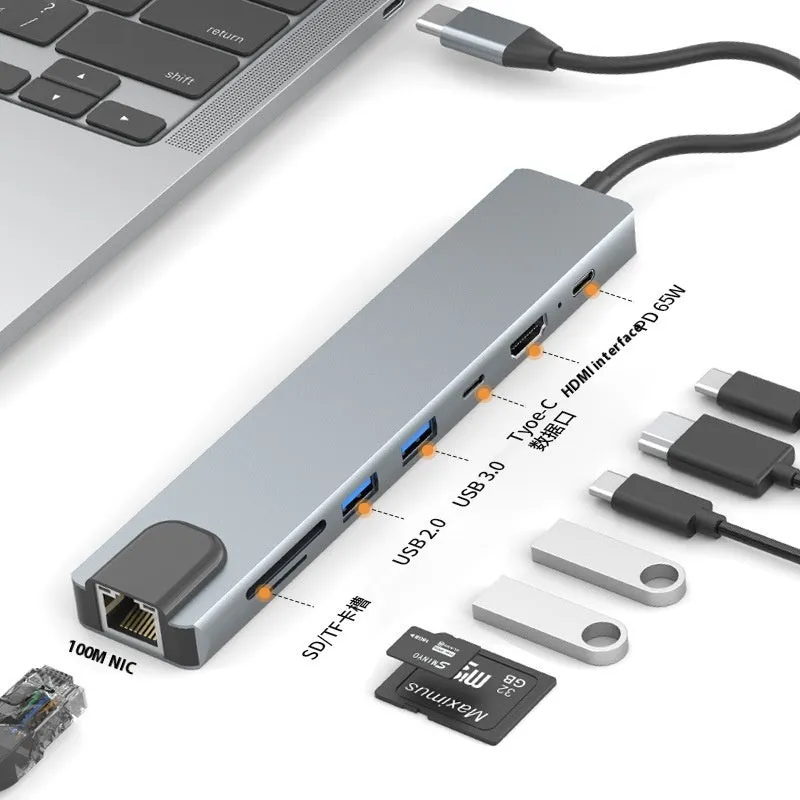
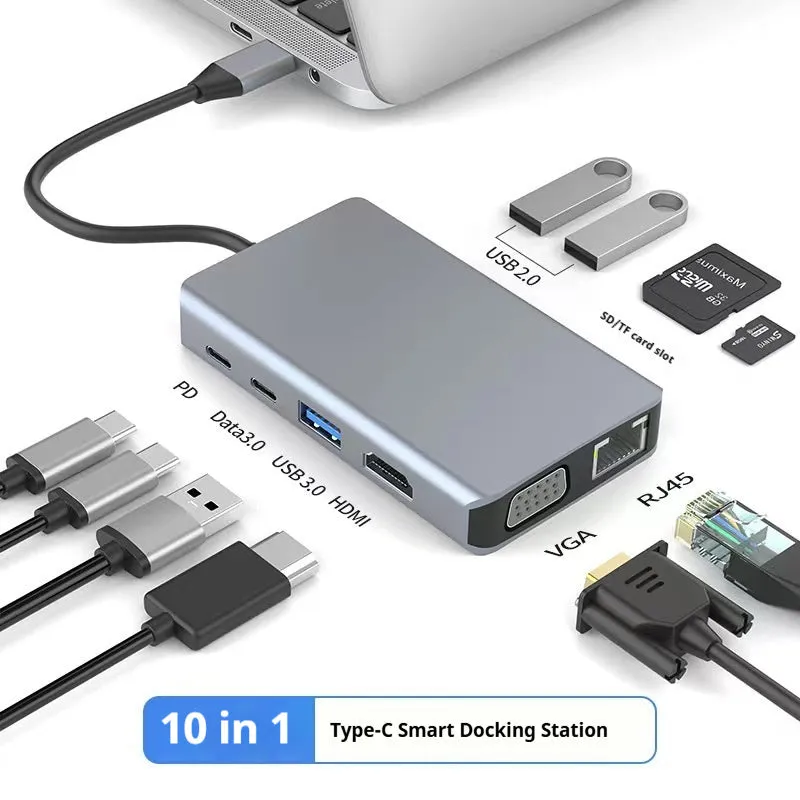
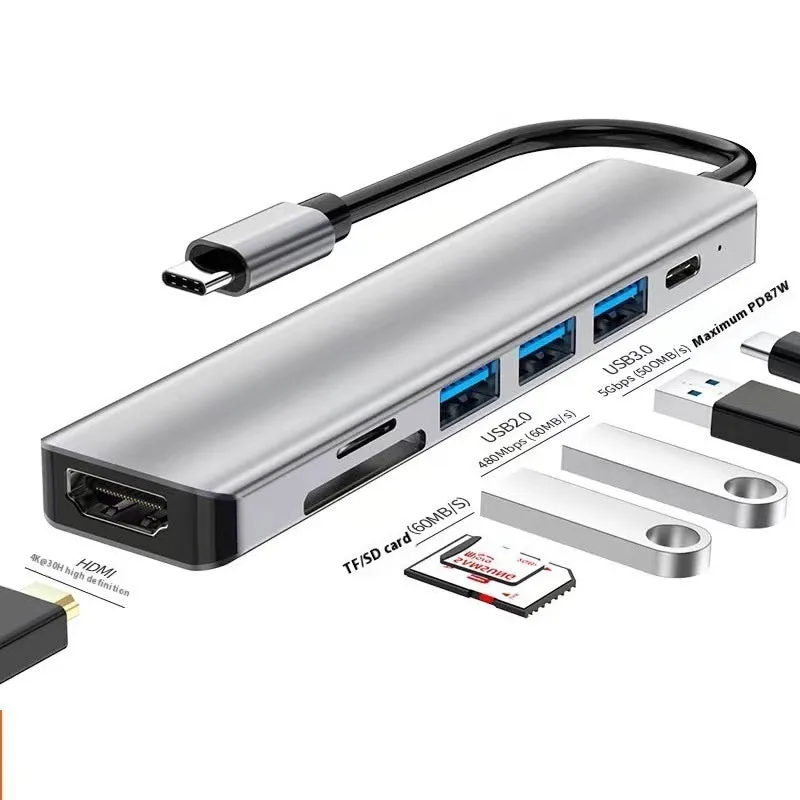
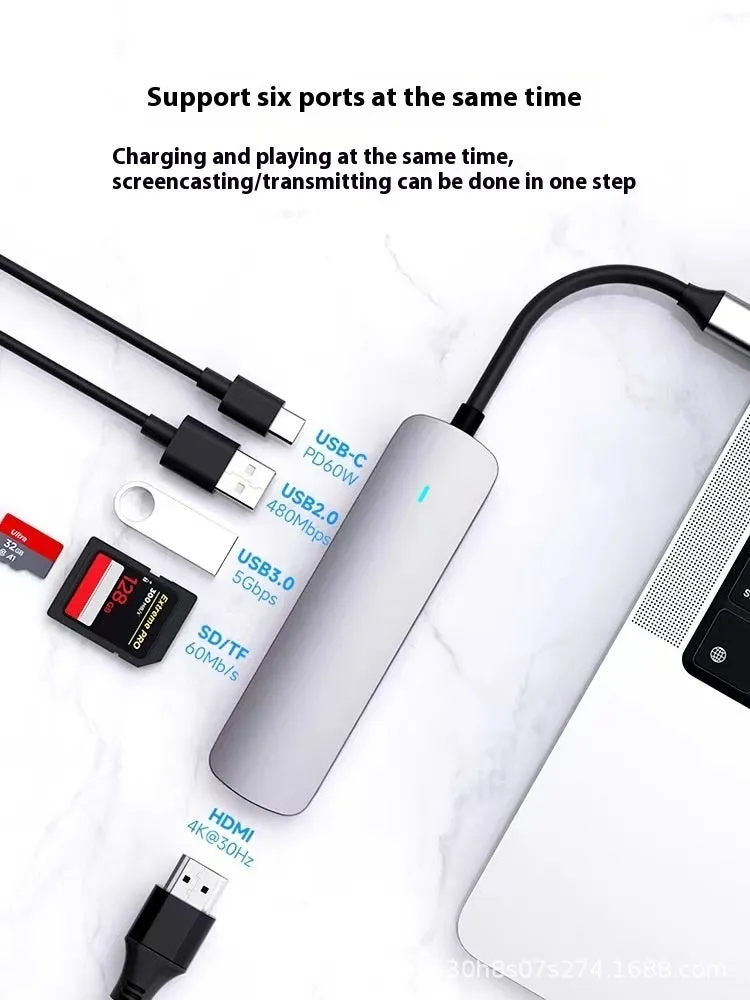
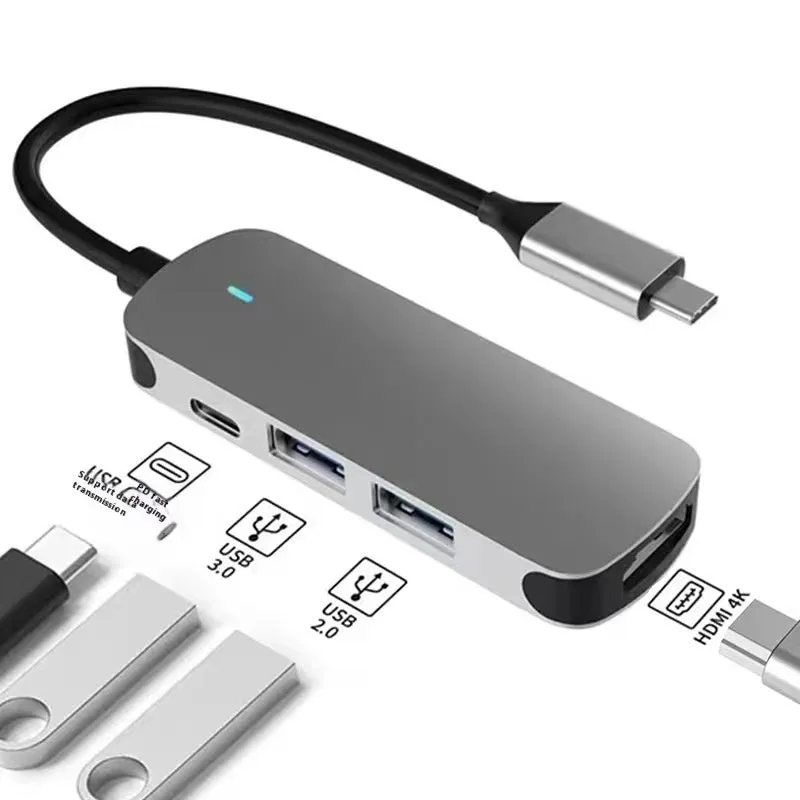
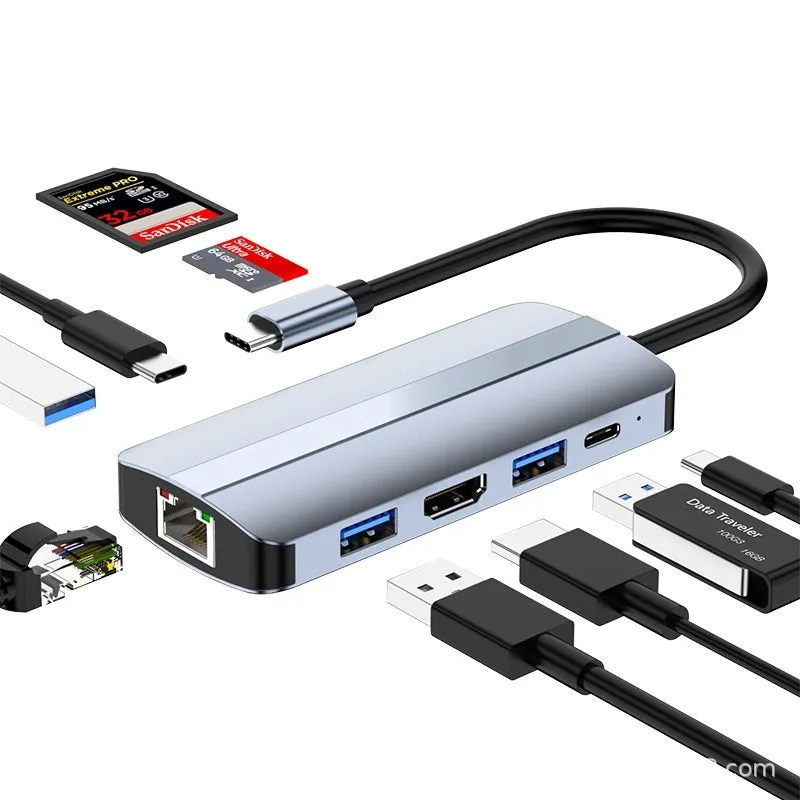
Modern laptops and mobile devices increasingly rely on USB Type-C ports for charging, data transfer, and display output, but this often means fewer available connection points for peripherals. This 7-in-1 USB C expansion dock addresses that limitation by providing seven additional ports from a single Type-C connection. With its integrated 15cm cable, HDMI display output, USB 3.0 data ports, and memory card readers, it transforms your minimal-port device into a fully-featured workstation. The compact design maintains portability while offering the connectivity needed for presentations, file transfers, and multi-device setups in office, educational, or home environments.
Features and Construction
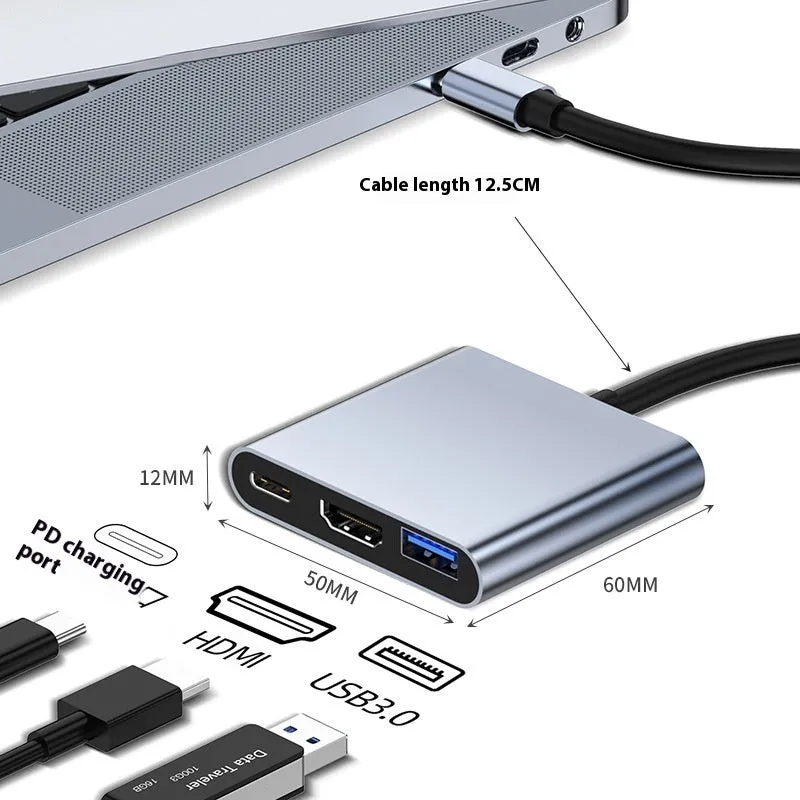
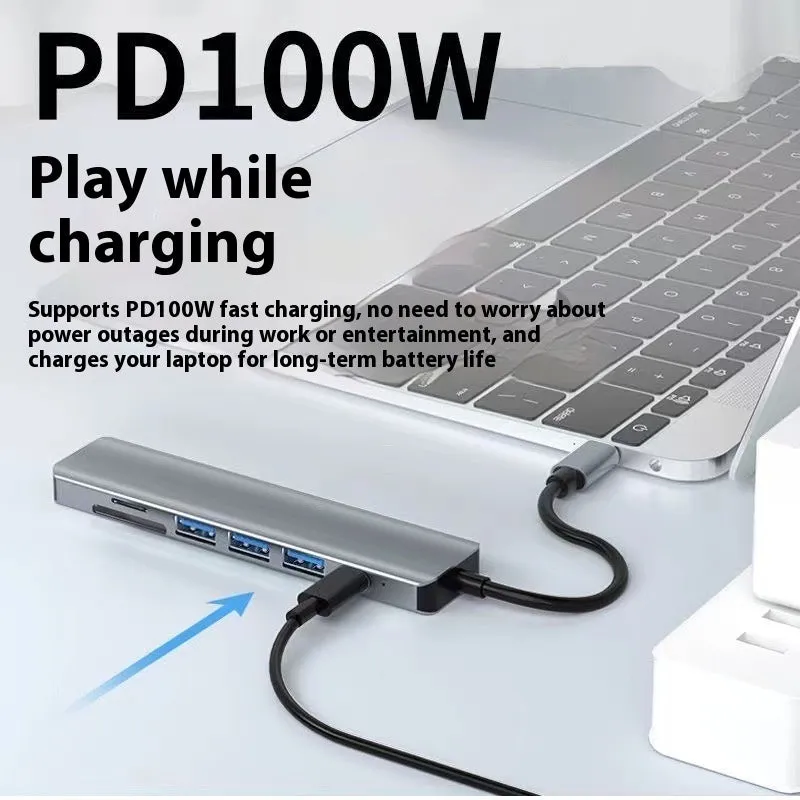
This USB C hub combines multiple connectivity solutions into one streamlined unit designed for daily use with laptops, tablets, and compatible mobile phones. Its construction focuses on providing reliable port expansion without requiring external power in most scenarios, drawing minimal power directly from your host device. The hub's design prioritises functional layout with clearly labelled ports and durable connections that withstand regular plug-and-unplug cycles.
Material and Build
The hub housing utilises plastic materials that balance weight reduction with adequate protection for internal electronic components. Copper wiring within the 15cm cable ensures stable signal transmission for both data and video outputs. Metal contact points at each port interface maintain reliable connections with inserted cables and devices. The overall build focuses on practicality rather than premium materials, delivering essential expansion functionality at accessible pricing.
Size and Practical Fit
With its 15cm integrated cable, this expansion dock offers positioning flexibility that shorter dongle-style hubs cannot match. This length allows you to place the hub slightly away from your laptop for better cable management, reducing desk clutter around your immediate workspace. The compact hub body itself maintains minimal dimensions that won't obstruct adjacent laptop ports when connected. This design makes it suitable for use on cramped coffee shop tables, airline tray tables, or crowded office desks where space optimization matters.
Uses and Placement
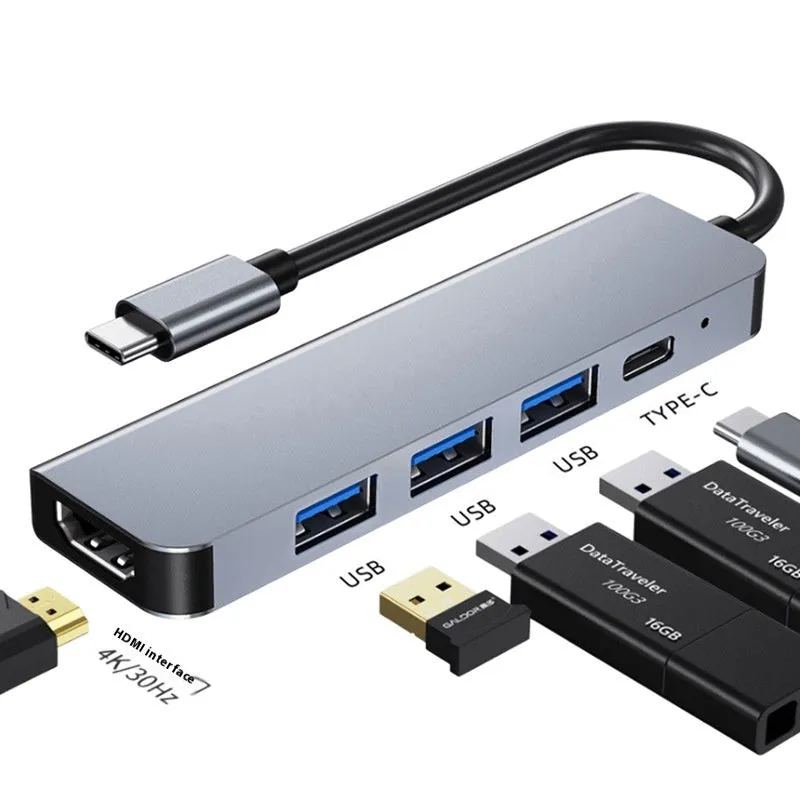
This multifunction splitter serves multiple roles depending on your specific needs, adapting to different environments and usage scenarios. From professional presentations to personal media management, the seven available ports provide solutions for common connectivity challenges faced by users of modern computing devices. Its plug-and-play operation requires no software installation, making it immediately usable across different operating systems that support standard USB protocols.
Event or Professional Use
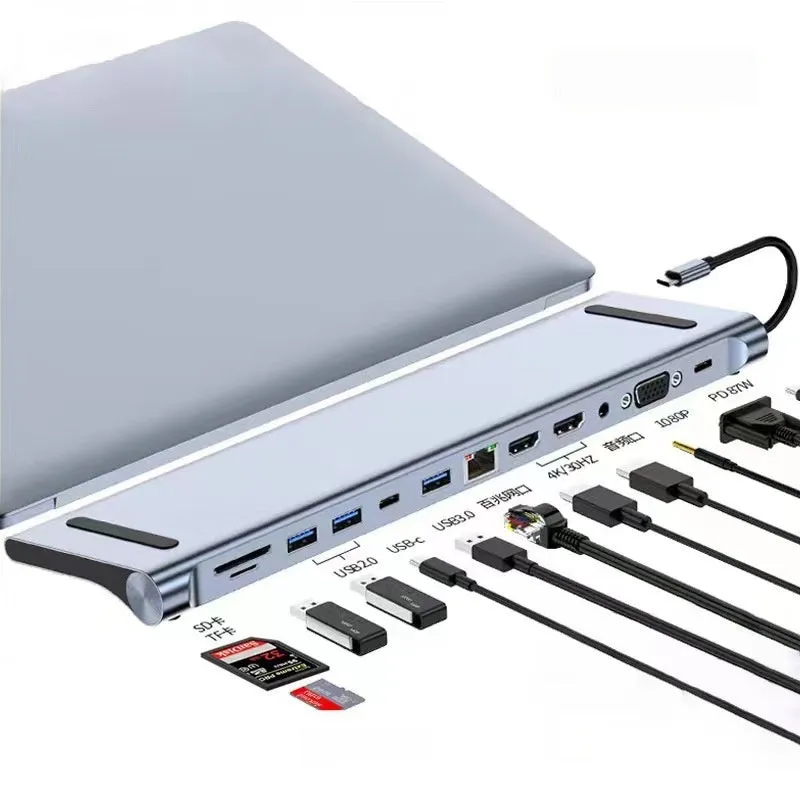
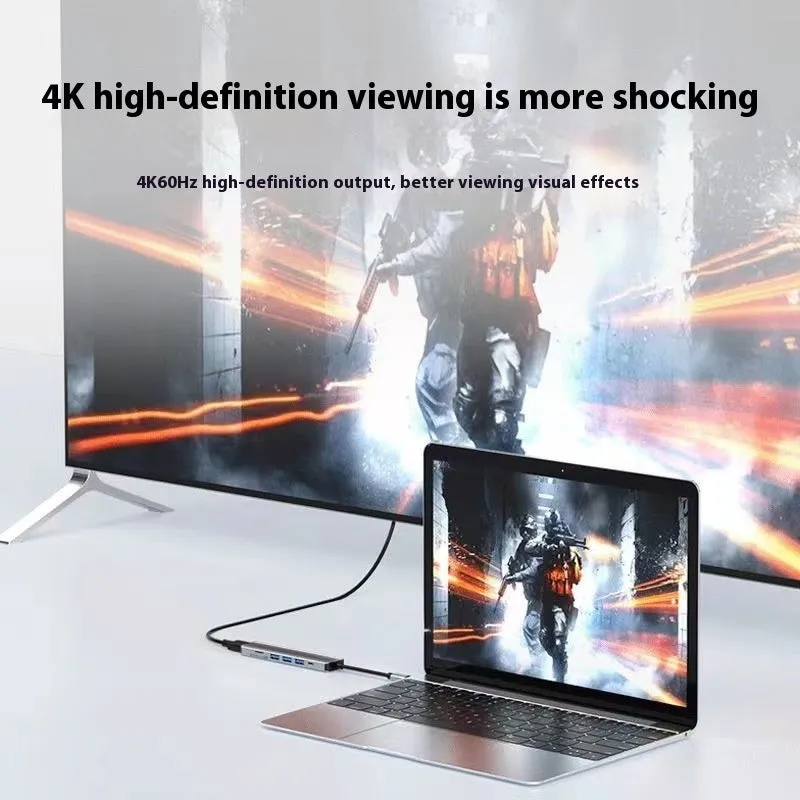
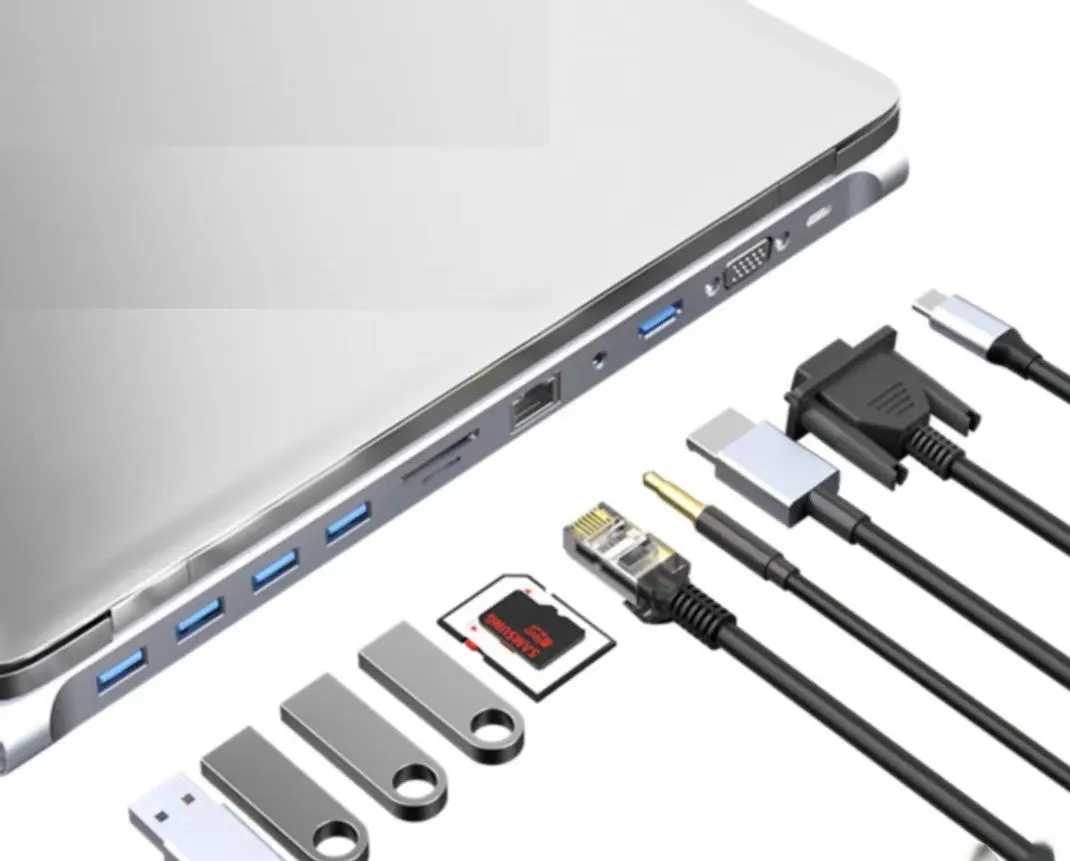
For business presentations, the HDMI output enables direct connection to projectors, conference room displays, or large monitors without requiring dedicated display ports on your laptop. Combined with USB ports for presentation clickers or wireless adapters and SD card slots for loading presentation files, it creates a complete presentation toolkit from a single connection. Event photographers can quickly transfer images from camera memory cards to laptops for immediate editing or sharing. The hub's compatibility with various interface configurations (from 3-in-1 to 12-in-1 models) allows selection of the exact port combination needed for specific professional applications.
Everyday Home Use
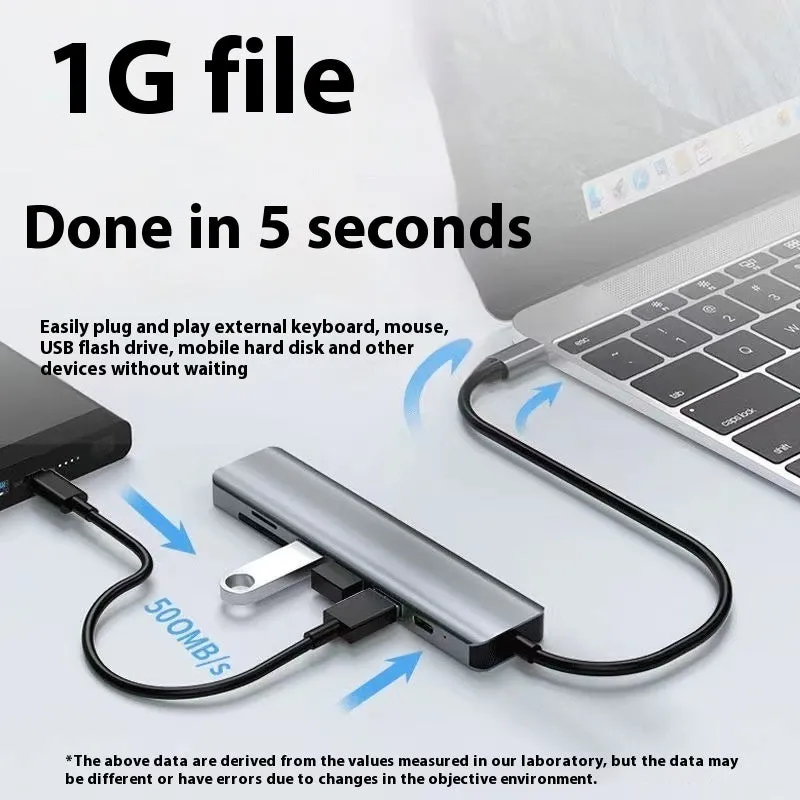
At home, this expansion dock transforms a single-port laptop into a media centre hub, connecting external hard drives for media libraries, card readers for photo transfers, and HDMI connections to televisions for movie streaming. Students can connect multiple USB devices like printers, scanners, and external drives while simultaneously outputting to a second monitor for research and writing. The USB 3.0 ports provide adequate speed for backing up family photos or transferring large video files between devices. For gaming enthusiasts, it enables connecting multiple peripherals while maintaining display output to monitors.
Benefits and Buying Value
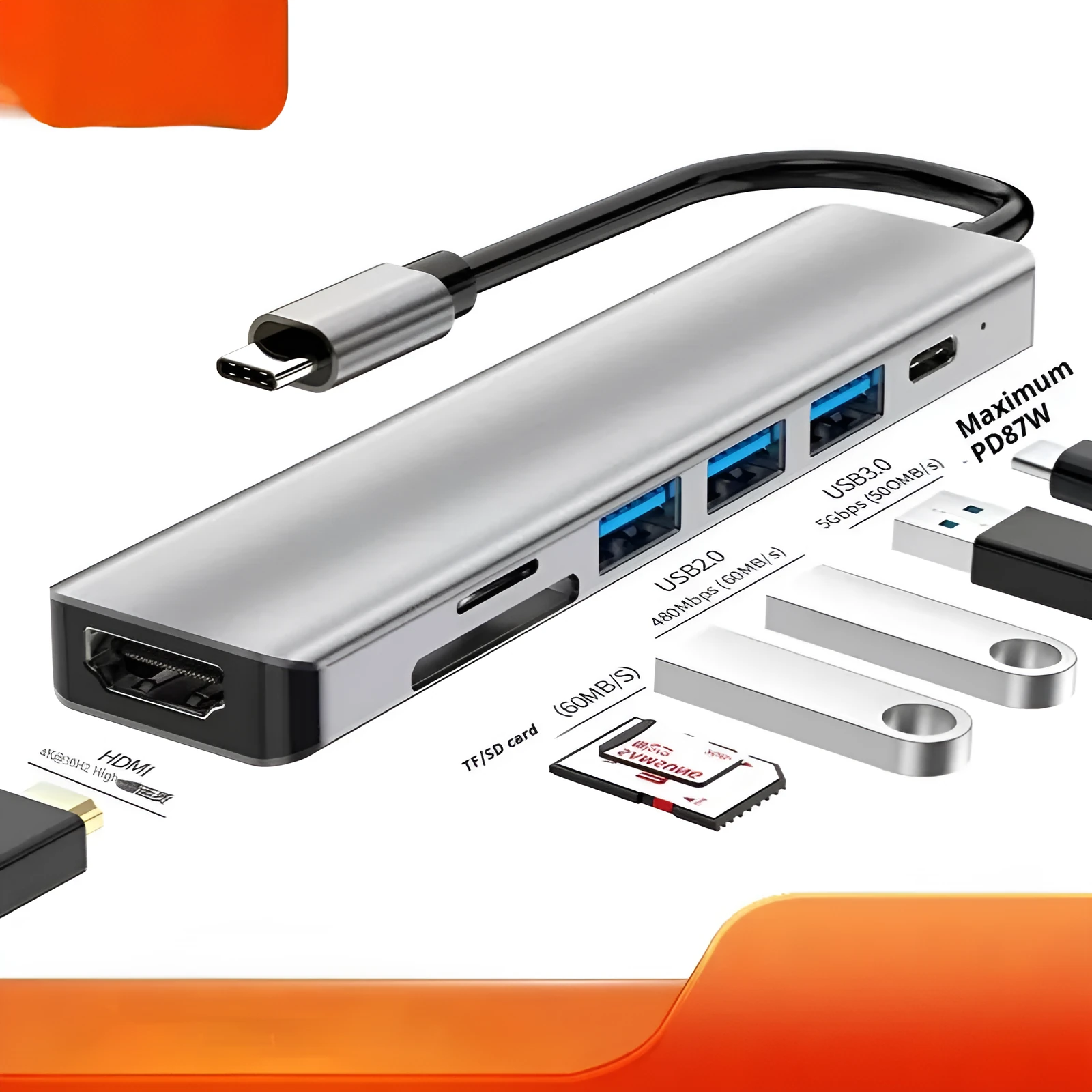
Choosing this specific USB C hub brings several practical advantages over both dongle-style adapters and more expensive docking stations. Its balance of port selection, cable length, and compact form factor addresses common pain points in portable computing setups. The value proposition centres on solving immediate connectivity limitations without investing in complex, permanently-installed workstation solutions.
Reuse and Low Maintenance
This hub maintains compatibility across devices as you upgrade your laptop or add new mobile devices, protecting your investment in peripherals that use older connection types. The simple design requires no driver updates or specialised maintenance—regular cleaning of port contacts and careful cable handling preserves functionality. Unlike wireless solutions that may suffer interference or compatibility issues, this wired connection provides consistent performance across different computing environments. The robust construction of essential components ensures reliable operation through daily connection cycles.
Why Choose This Product
This 7-in-1 configuration strikes a practical balance between comprehensive connectivity and manageable size, offering the most commonly needed ports without the bulk of larger hubs. The 15cm cable provides just enough length for flexible placement without the tangling issues of longer cables. For users whose laptops lack dedicated HDMI, multiple USB, or card reader ports, this single solution addresses all those gaps simultaneously. The availability of different interface configurations (3-in-1 through 12-in-1) means you can select precisely the port combination matching your specific needs rather than paying for unused connectivity options.
Care
To maintain the beauty and integrity of your purchase, we recommend treating it with care. Simple maintenance practices, such as gentle washing and proper storage, can effectively preserve the longevity of your favorites. We encourage you to refer to the care instructions included with each item, designed to help you keep your purchase in top condition.
Design
Our dedication to excellence extends beyond materials; it encompasses the artistry and craftsmanship illustrated in every piece we create.